
 iOS
 Google Play Store
 Galaxy Store
 Windows
 Chromebook



Pens that match your style
Realistic pens and highlighters to beautify your handwriting and elevate your note-taking experience.
 4 pen styles + 2 highlighter styles
- Annotate PDFs: highlight, underline, strikeout
- Smooth and responsive writing
“Being early wasn’t something we strategically planned. It came from the excitement of exploring that idea.” — Rama Krishna on Apple Developer StoriesRead the full interview

In The Economic Times, our founder shares how users are embracing Noteshelf’s Siri features: “More people are asking Siri about their notes.”Read the full feature

“Notebooks come equipped with a ton of fun customization options. You can give them a title and choose their cover and default page setup.”Read the full review
Realistic pens and highlighters to beautify your handwriting and elevate your note-taking experience.
4 pen styles + 2 highlighter stylesAnnotate PDFs: highlight, underline, strikeoutSmooth and responsive writing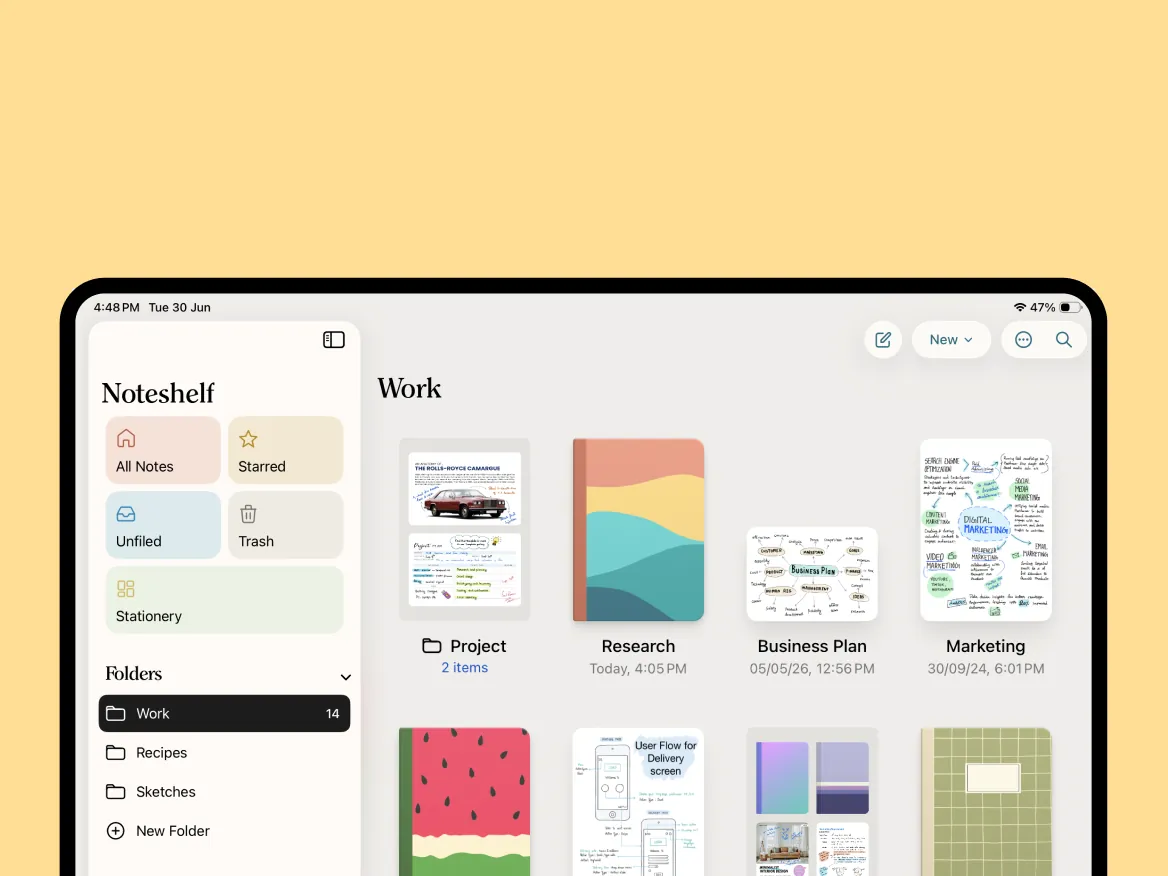
Keep your notes neat, searchable, and easy to access. Organize everything your way so you can find what you need in seconds.
Personalize your note-taking experience with a fully customizable toolbarOrganize your notebooks into folders and subfolders for a clutter-free workspaceFind notes faster with filters like photos, tags, and more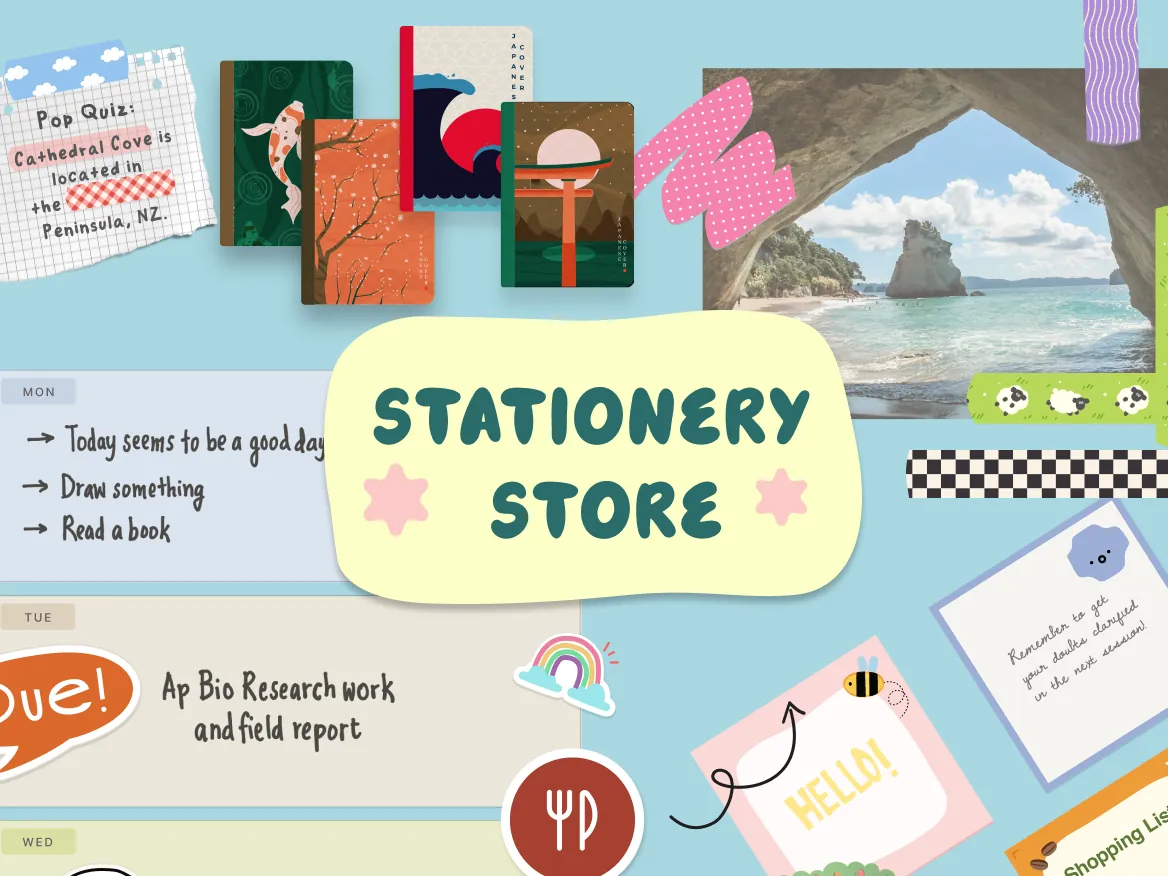
Bring the joy of analogue journalling into your digital pages. From premium covers to creative page elements, everything you need is right here.
500+ stickers across a wide range of themes and categoriesA galaxy of 100+ notebook coversCreative page elements including sticky notes and washi tapesYes! Noteshelf is free to download and lets you create up to 3 notebooks with core pens and paper. Upgrade to Premium for unlimited notebooks, all templates, handwriting recognition, auto-backup and more AI credits.
Noteshelf syncs across iPad, iPhone and Mac with iCloud, and Android and Windows devices can sync with each other through Google Drive. Full sync across every platform is in the works — meanwhile you can auto-backup to Google Drive, OneDrive, Dropbox or WebDAV.
Yes. Noteshelf AI can summarise handwritten pages, explain tricky concepts, translate text and generate notes. It's powered by OpenAI's API, so when you use it the content of your current page is sent to OpenAI for processing. Fluid Touch has no access to the content you create in Noteshelf.
Deleted pages and notebooks go to Trash, where you can restore them. If you use auto-backup, deleting a notebook doesn't touch your cloud copy, so you can re-import it from your cloud storage. Still stuck? Contact our support team.
Subscriptions are billed and managed by the store you purchased from — the App Store, Google Play or the Microsoft Store — so you can manage or cancel them in that store's account settings. Need a hand? Our support team is happy to help.
We can't offer individual student discounts, as the App Store doesn't allow individual discounts outside group purchases. Schools and businesses can get Noteshelf at reduced prices through Apple School Manager and Apple Business Manager — contact us for details.
